Everything You Need to Build and Grow Your TV Network
Create Live TV and VOD channels, publish them across screens, control the viewing experience, and choose how you monetize.
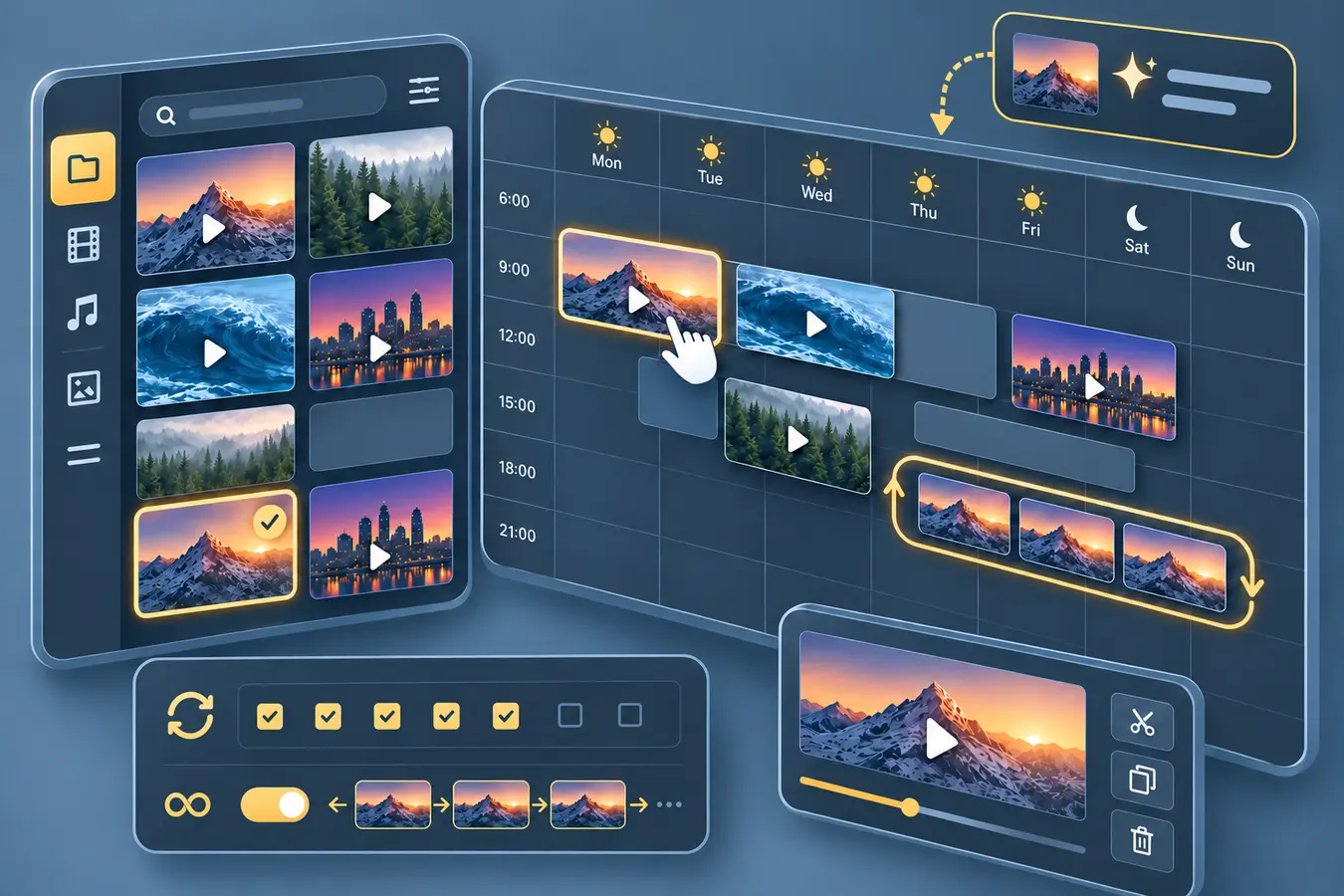
Create & Program
Build exact schedules days or weeks ahead, launch selected days quickly with Instant Scheduling, repeat recurring programming with loops, and program from Live TV, VOD, or supported live sources. Autopilot is an optional additional capability that can create and maintain an ongoing schedule from content you provide. The guided Channel Wizard and Strimm AI can assist with channel and schedule creation, and where supported you can connect a compatible AI agent through Strimm MCP.
- Manual schedules days or weeks ahead
- Instant Schedule for selected days
- Repeating and loop-based programming
- Live TV, VOD, and supported live sources
- Guided Channel Wizard
- Strimm AI assistance
- Optional Autopilot for ongoing schedules
- Supported private-media workflows
Publish & Distribute
Use one programmed network across your website and the branded app destinations included in your plan.
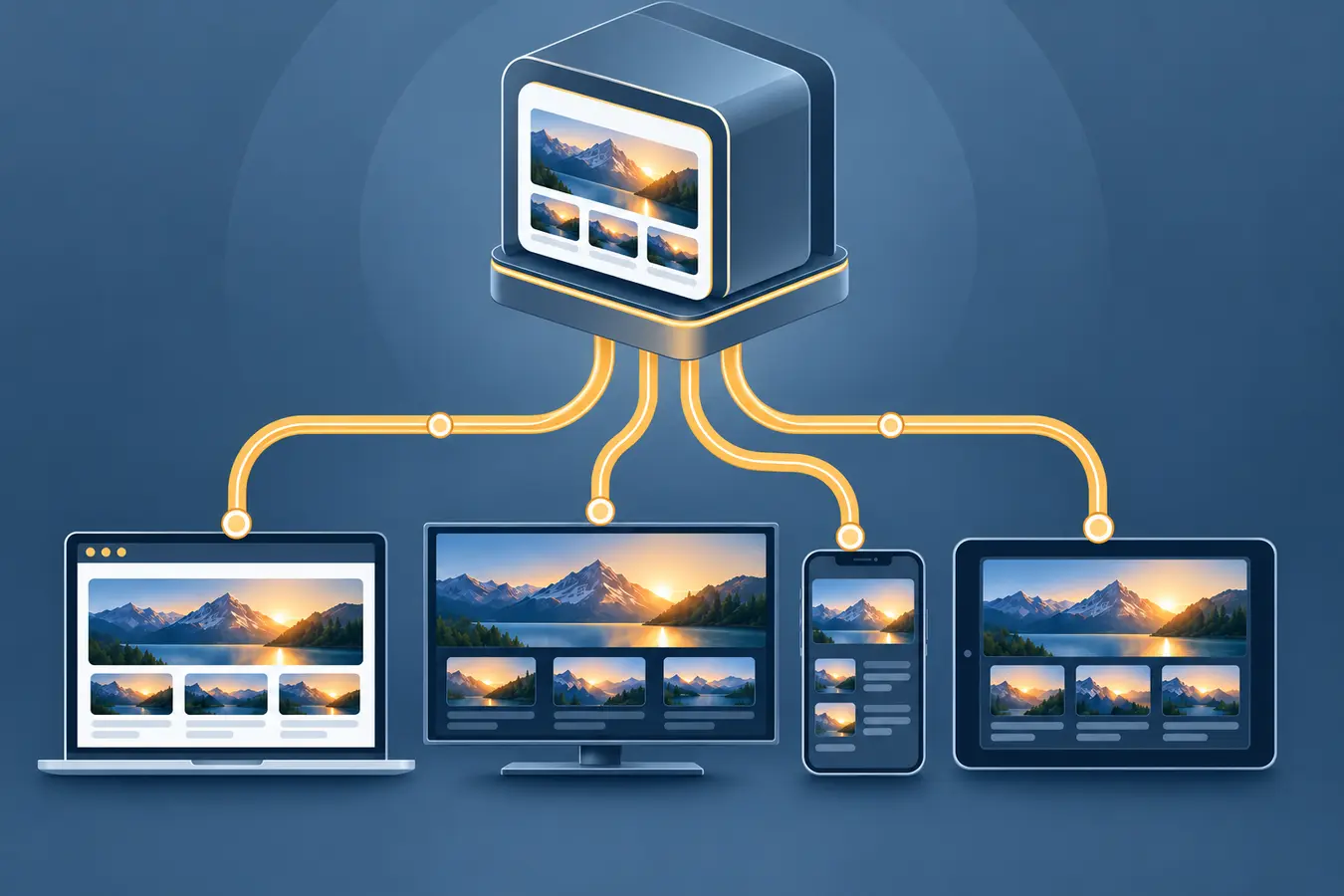
- Embeddable website player
- Electronic TV Guide and daily schedule
- Approved multi-website and domain publishing
- Branded mobile and connected-TV apps
- Central publishing updates
- Optional Strimm.com distribution
Monetize
Combine eligible revenue models around the programming and audience you control.
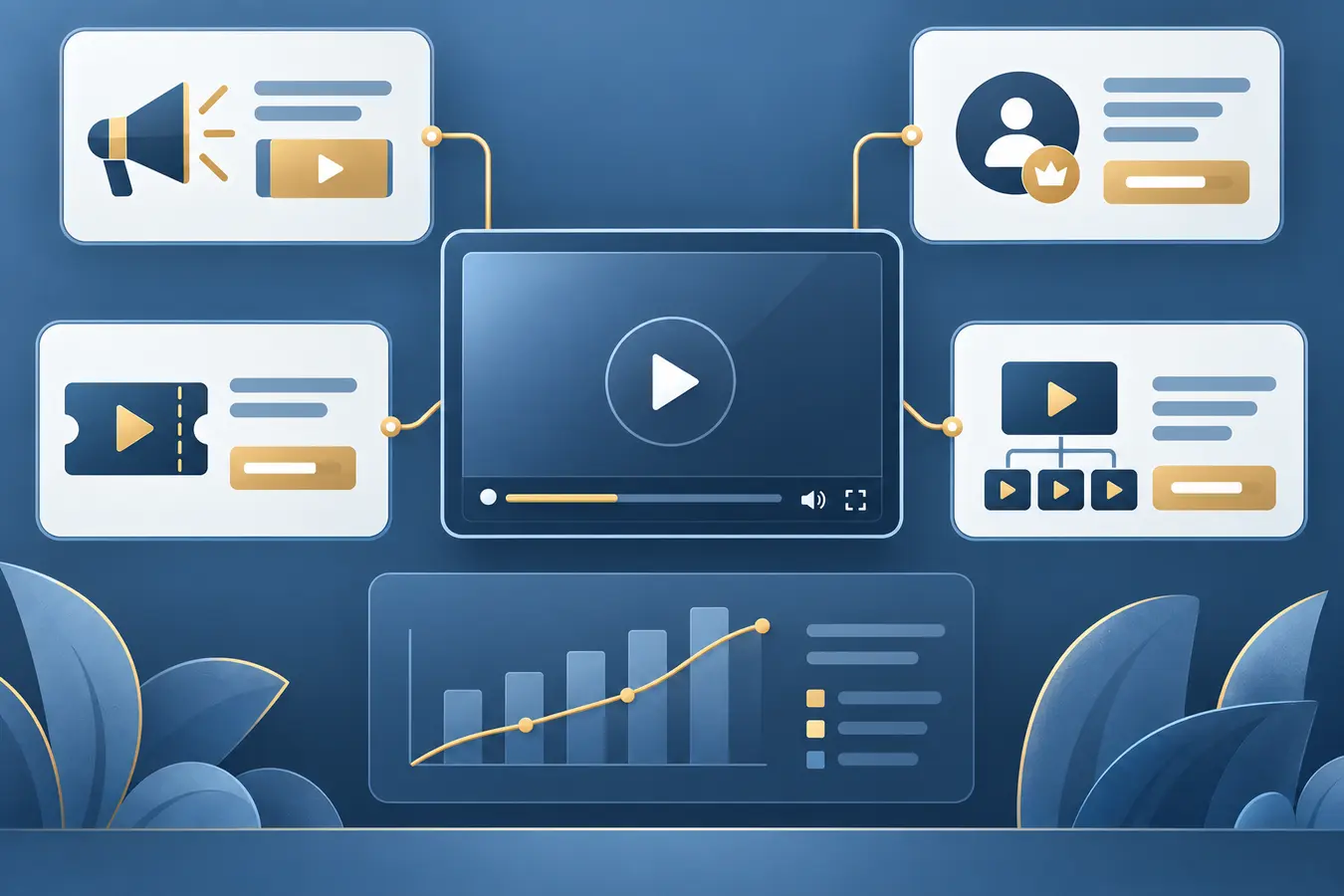
- Scheduled sponsor and promotional content
- Compatible VAST advertising sources
- Viewer subscriptions on supported destinations
- Pay-Per-View for eligible VOD titles
- Channel subleasing for client web channels
Revenue depends on your provider, audience, and market conditions — Strimm does not guarantee income.
Brand & Control
Present a consistent network on eligible paid destinations while controlling where and how viewers can access it.
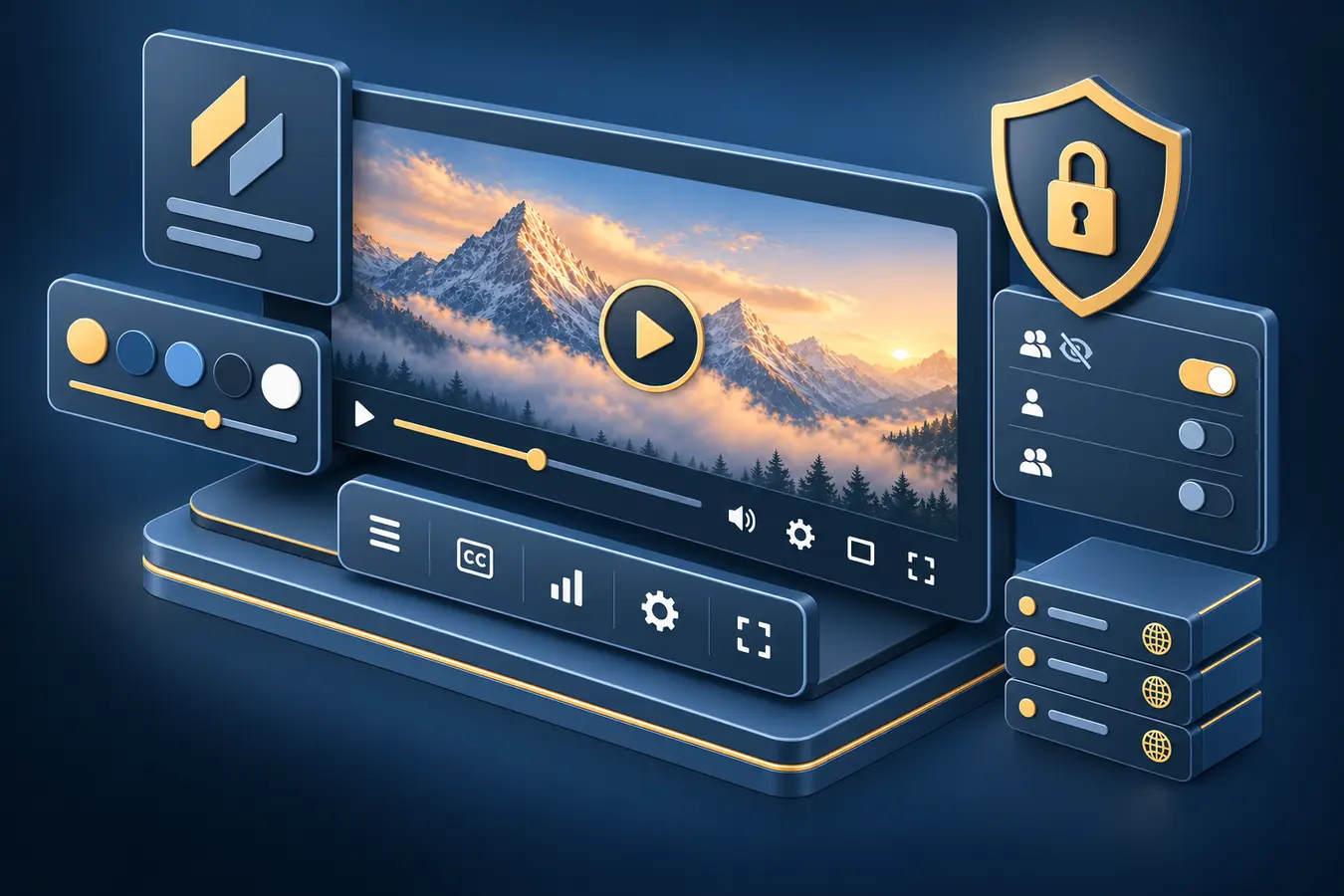
- White-label presentation on eligible destinations
- Custom logos and supported brand settings
- Player controls
- Password-protected viewing
- Allowed-domain controls
- Supported private-media and placeholder settings
White-label branding and custom player settings apply to your website and eligible paid apps. Channels viewed on Strimm.com use the standard Strimm-branded viewing experience.
Analyze & Integrate
Review audience activity by time period, channel, and platform, export reports, and connect eligible systems through supported integrations.
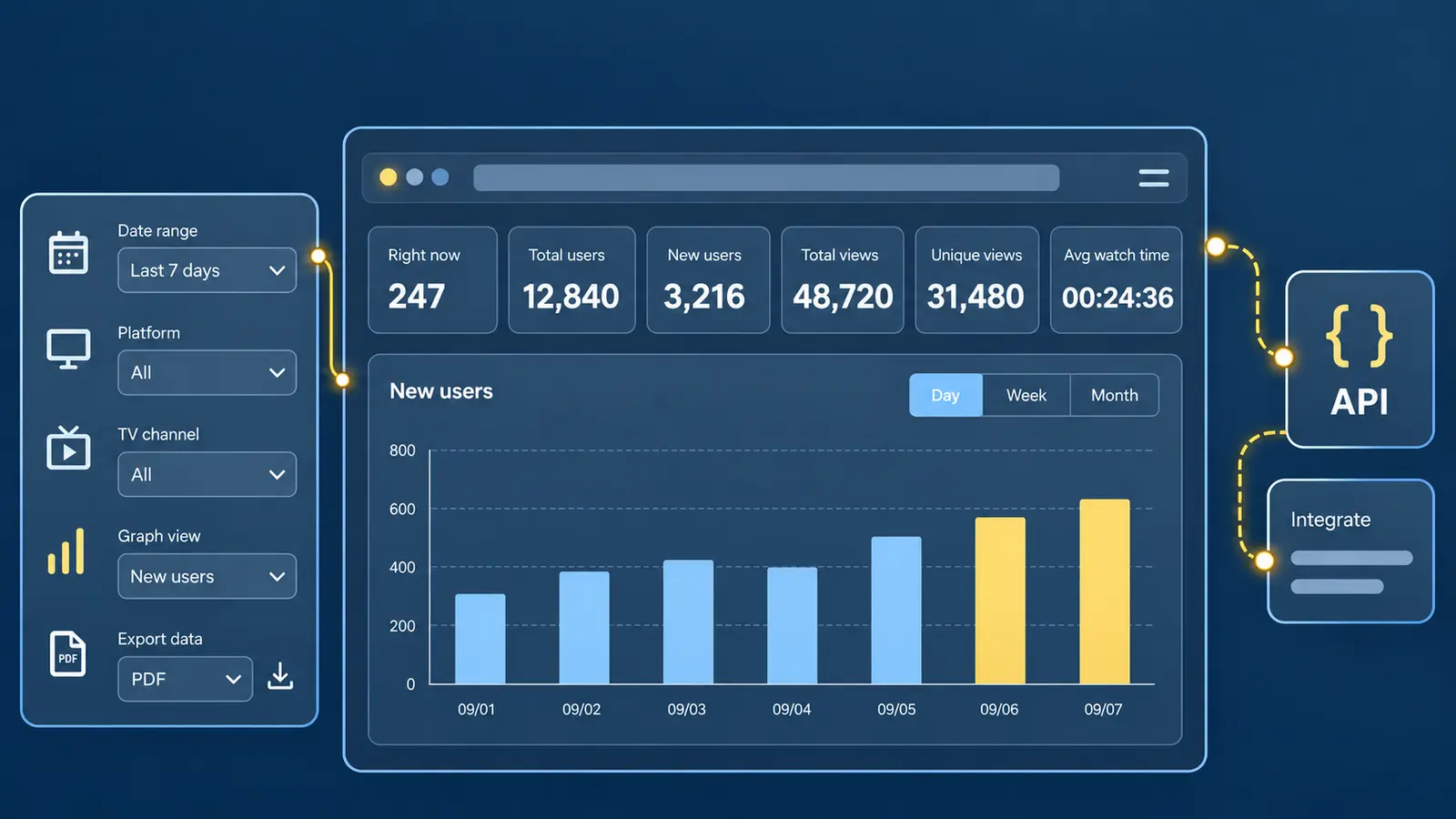
- Current viewers
- Total and new users
- Total and unique views
- Average watch time
- Date-range, channel, and platform filters
- Graphical reporting and export
- API access on eligible plans
- Compatible AI assistants through Strimm MCP
Example dashboard shown for illustration; your own metrics will vary.
Support & Guidance
Use live support, onboarding resources, the Knowledge Base, and app-setup assistance as you build and expand.
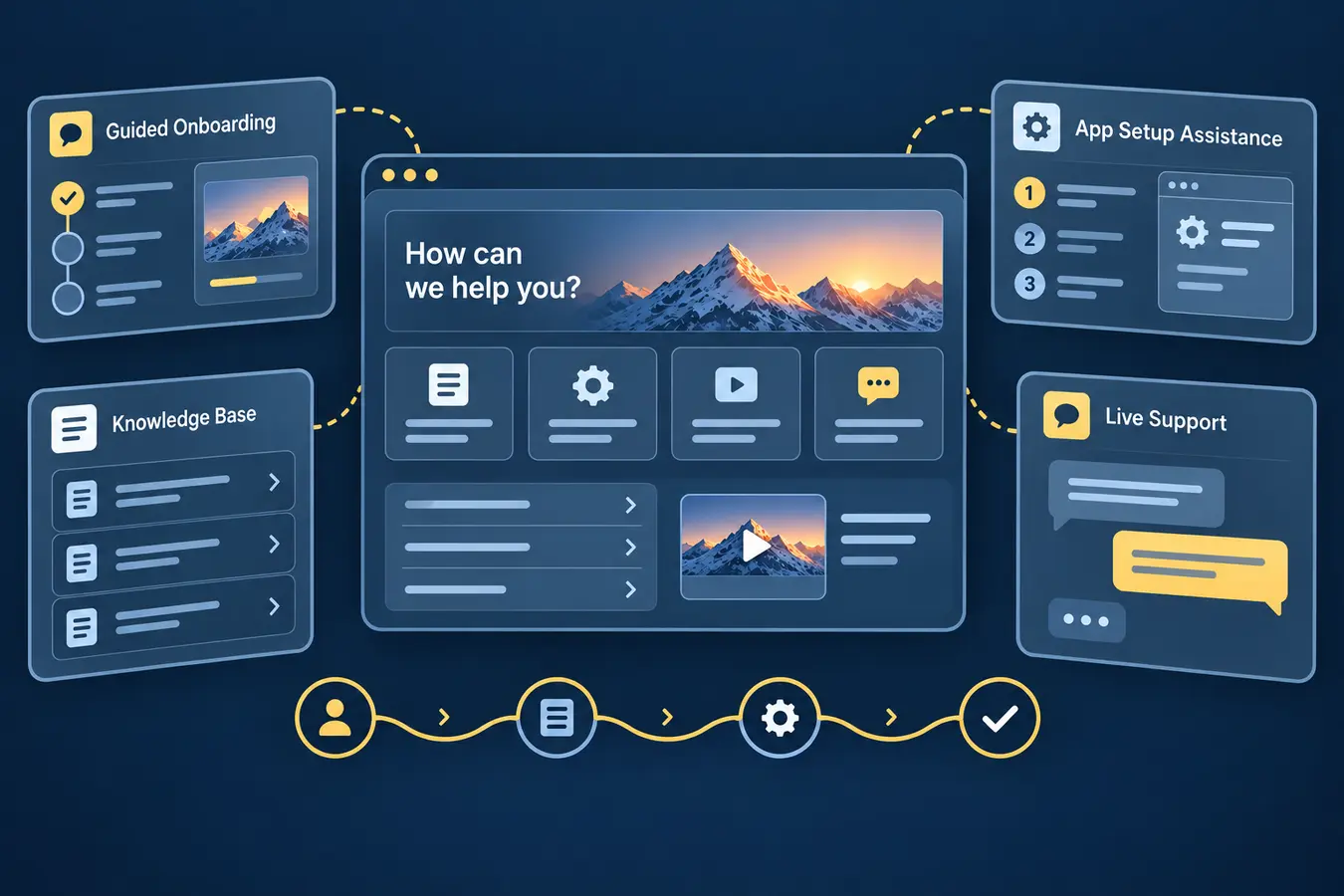
- Live support from the Strimm team
- Guided onboarding resources
- Knowledge Base
- App setup assistance
Explore Strimm
Ready to Build Your Network?
Start with the distribution and revenue options that fit your programming.