Plan Your Video Sources for Every App
Choose sources that play reliably across the web and the app destinations you select.
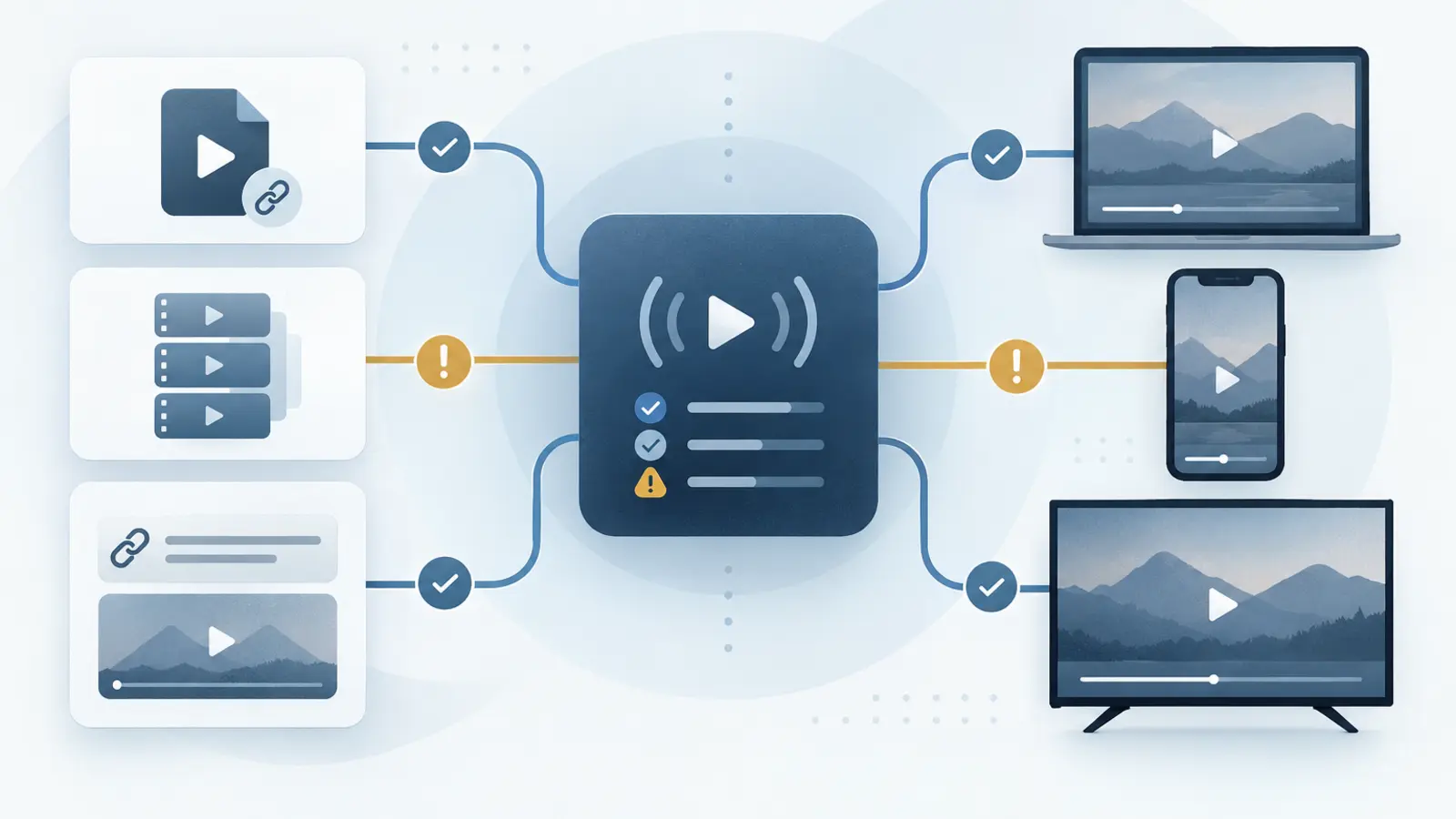
CDN-Hosted MP4 or HLS (.m3u8)
For the broadest compatibility, use direct MP4 or HLS (.m3u8) links from a properly configured video CDN. Strimm remains link-based; your media stays with your provider, and provider fees remain separate.
Sources by Platform
| Source | Web | iOS / Android | Roku | Fire TV | Apple TV | Android TV | Google TV |
|---|---|---|---|---|---|---|---|
| CDN-hosted MP4 | Recommended | Recommended | Recommended | Recommended | Recommended | Recommended | Recommended |
| CDN-hosted HLS (.m3u8) | Recommended | Recommended | Recommended | Recommended | Recommended | Recommended | Recommended |
| YouTube | Supported | Supported | Not supported | Supported | Not supported | Supported | Supported |
| Vimeo | Supported | Supported | Supported with setup | Supported with setup | Not supported | Supported with setup | Supported with setup |
| Dailymotion | Supported | Supported | Not supported | Not supported | Not supported | Not supported | Not supported |
Roku, Fire TV, Android TV, and Google TV can use Vimeo sources from a qualifying paid Vimeo account when the customer supplies the required Vimeo API token and completes the applicable setup. YouTube, Vimeo, and Dailymotion are not supported on Apple TV.
Using a source not listed here? Contact Us to confirm compatibility before you finalize your programming.
Why Compatibility Differs
Web browsers and app platforms do not all play video in the same way. Some services provide an embeddable web player but do not make the same playback stream available to a native television app. Planning sources early helps your network perform consistently across the screens you select.