Build, Program, and Publish Your Network from One Platform
Start with your programming, create a schedule, publish to the screens included in your plan, and add the monetization options that fit your business.
Six Steps to Get On Air
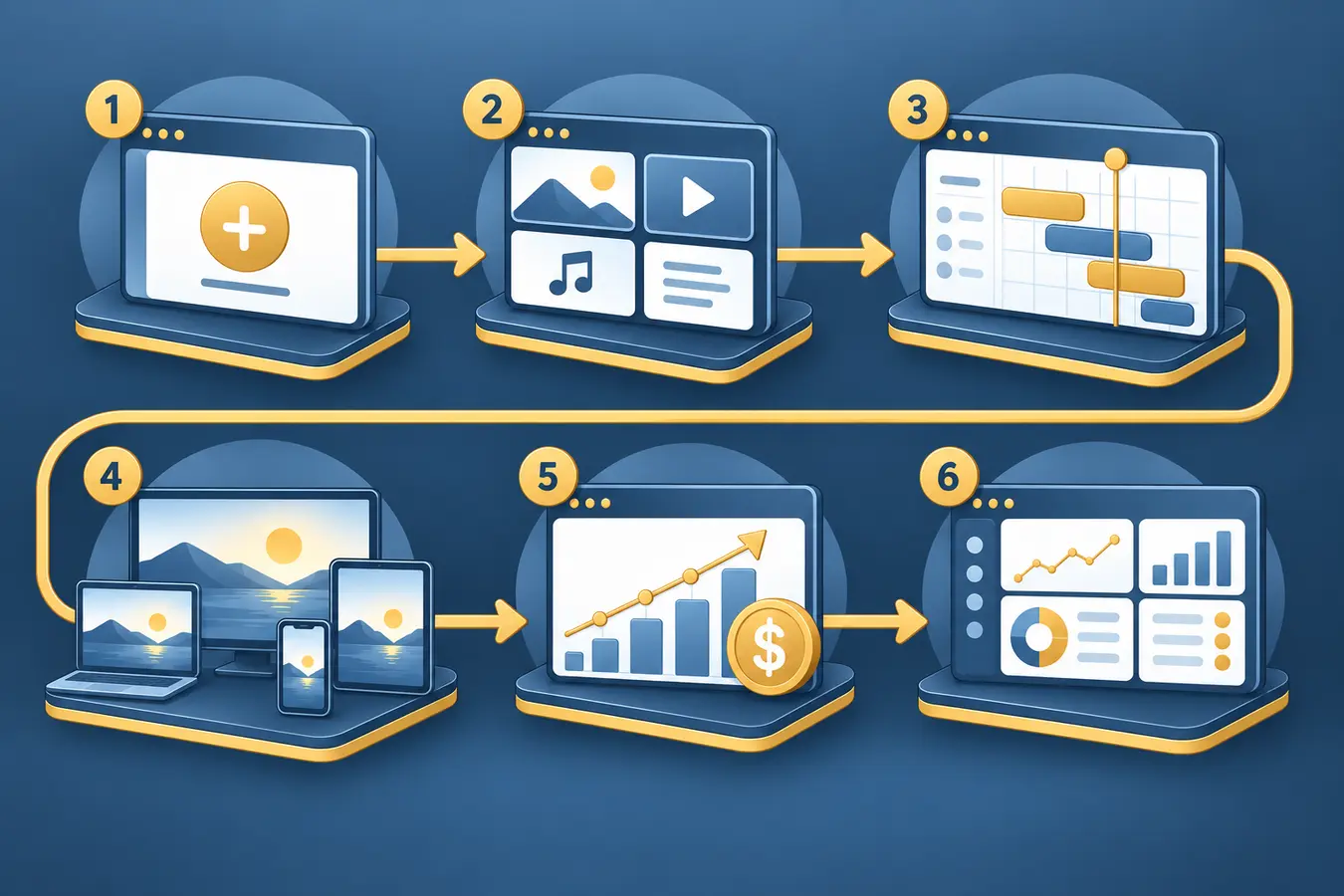

Create a Channel
Set up a channel manually, follow the guided Channel Wizard, use Strimm AI assistance, or connect a compatible AI agent through Strimm MCP to start with a defined structure.

Add Content
Add supported public video sources, direct MP4 or HLS links from your video provider or CDN, and MP3 links when you want to build an online radio channel.

Build the Schedule
Program days or weeks ahead, use Instant Schedule for selected days, create repeating lineups, or enable optional Autopilot.

Publish Across Screens
Broadcast on your website and, when included in your plan, through branded mobile and connected-TV apps.

Choose Your Revenue Model
Enable compatible advertising, viewer subscriptions, Pay-Per-View, or channel subleasing based on your programming and plan.

Manage Everything in One Place
Update channels, schedules, apps, monetization settings, and analytics from one cloud-based Strimm dashboard, wherever you work.
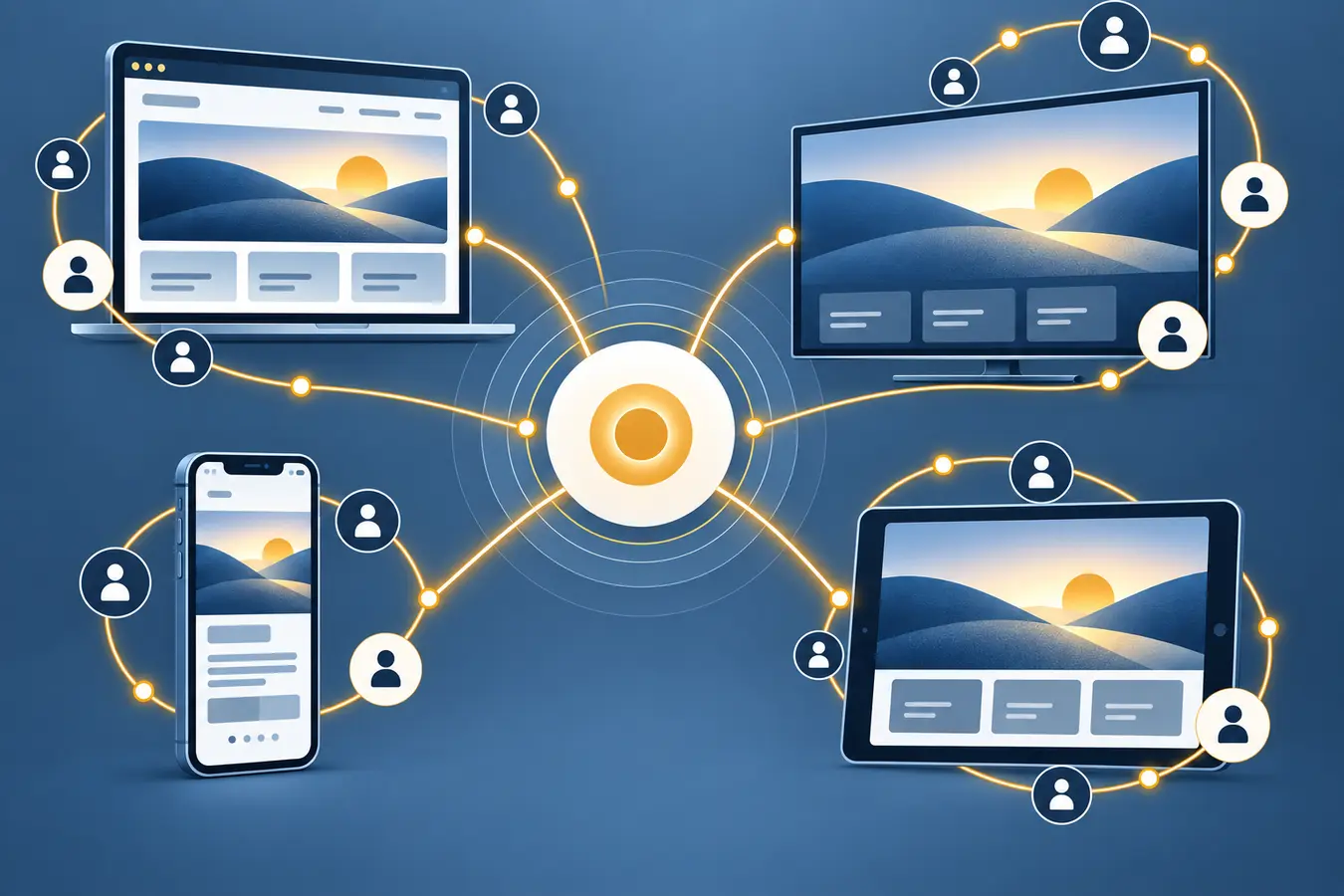
One Network. Multiple Ways to Watch.
 Web
Web Roku
Roku Fire TV
 Apple TV
 Google TV
 Android TV
 iOS
iOS Android mobile
Every Strimm account holder can broadcast on Strimm.com at no cost. It provides another way to share channels. The Strimm.com viewing experience is always Strimm-branded.
One Brand Across the Screens You Choose
Use your logo and eligible presentation controls on your website and branded apps so viewers encounter a consistent network experience. Strimm.com remains Strimm-branded.

See the Embedded Player in Action
Watch a recorded demonstration of Strimm's multi-channel player and electronic program guide.
This is a recorded example of Strimm's embedded, multi-channel player. Your own embed is configured from your Strimm dashboard once your channels are live.
Designed to Keep Broadcasting Simple
Launch Without a Development Team
Create channels and schedules in a guided browser-based workspace.
Operate from One Dashboard
Keep programming, publishing, eligible monetization settings, and analytics connected.
Add Destinations as You Grow
Start with the screens and revenue options you need now, then add branded apps or monetization options without rebuilding your core network.
Ready to Build Your Network?
Start with the distribution and revenue options that fit your programming.